Twenty Minutes Is Enough: A Working Adult's Blueprint for Actually Learning Tech

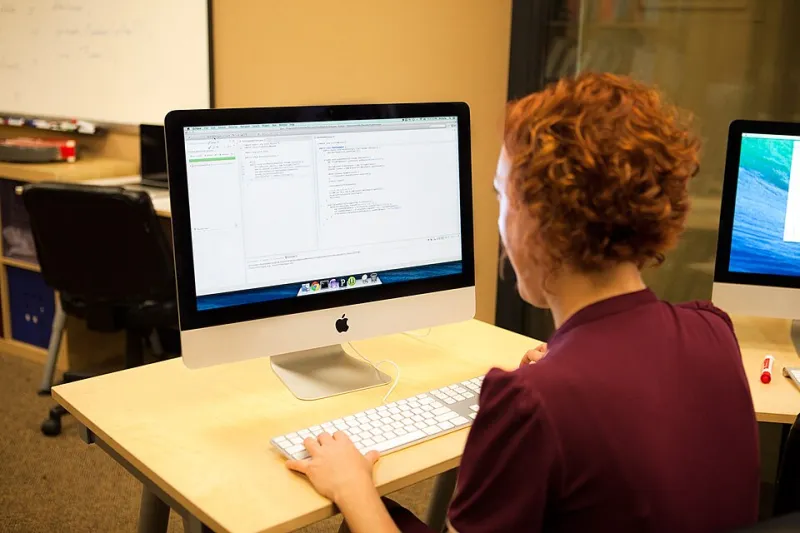
Photo: Air Force Major Jason Rossi, U.S. European Command, Public domain, via Wikimedia Commons
The biggest lie in tech education isn't the salary claims or the "no experience needed" ads. It's the time requirement. Almost every course assumes you have a quiet afternoon and a fresh brain. You have a commute, a lunch break, and maybe forty minutes after the kids are down — and you're tired.
Here's the reframe: twenty focused minutes, done daily, beats a four-hour Saturday binge you'll attempt twice and abandon. Spaced repetition is one of the most replicated findings in learning science, and it works exactly in your favor. Short sessions, repeated, stick. Marathon sessions evaporate.
Why Short Sessions Actually Win
Three reasons micro-learning outperforms the marathon approach:
- Friction drops. Starting a 20-minute session feels trivial. Starting a 3-hour session feels like a project, so you postpone it. Postponement is where learning goes to die.
- Retention rises. Your brain consolidates during the gaps between sessions. Two 20-minute sessions with sleep in between beat one 40-minute session, every time.
- Momentum survives bad days. On your worst day, you can still do 20 minutes. The streak — and the identity of "person who codes daily" — stays intact.
Where to Find the Time (You Already Have It)
- The commute. If you're on a train or bus: read docs, do a quick lesson, or review flashcards. If you drive: queue a podcast or audiobook on the topic you're studying — passive, but it primes your brain.
- The lunch break. Twenty minutes with headphones and a browser-based editor is a complete workout. Eat first, code second.
- The evening window. Right after dinner, before you sit on the couch. Sitting down first is a trap; the couch wins nine times out of ten.
A Two-Week Plan, Twenty Minutes at a Time
Assuming zero experience and a browser, here's what compounding looks like:
Week 1 — Foundations
- Days 1–2: HTML basics. Build a personal page with a heading, paragraph, and image.
- Days 3–4: CSS. Style that page — colors, fonts, spacing.
- Days 5–6: More CSS. Add a simple layout with flexbox.
- Day 7: Review day. Look at your page and change one thing you don't like.
Week 2 — Make It Do Something
- Days 8–10: JavaScript basics. Variables, functions, and one event listener (a button that changes something on your page).
- Days 11–12: Build a tiny project — a tip calculator or a to-do list.
- Days 13–14: Deploy it. Free hosting services like GitHub Pages or Netlify take under fifteen minutes. Your work is now live at a real URL.
Fourteen days, under five hours total, and you have a deployed web page you built from nothing. That's not a certificate. That's a skill with a URL.
Rules That Keep the Streak Alive
- Define the session the night before. "20 min: add flexbox nav" beats "study web dev." Vague goals invite scrolling.
- Lower the floor, never raise it. Bad day? Do 10 minutes. The rule is you show up, not that you perform.
- One resource only. Tutorial-hopping is procrastination wearing a productive costume.
- Build something you care about. A page for your fantasy league, a recipe tracker, anything personal. Motivation follows interest, not the other way around.
The math is almost insulting: 20 minutes a day is over 120 hours a year. That's enough to go from zero to building real web apps. You don't need to find more time — you need to claim the twenty minutes you're already losing to your phone.