When Your Server Crashes at 2 A.M., That's the Final Exam: Building a Home Lab That Educates You
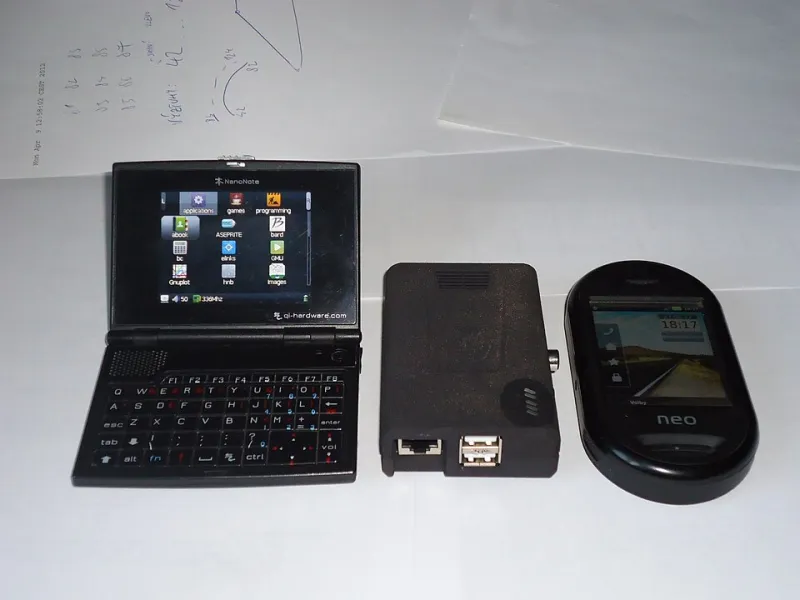
Photo: Jiri Brozovsky, CC BY 2.0, via Wikimedia Commons
Every self-taught developer eventually hits the same wall: tutorials end. You've built the todo app, deployed the demo, followed along with the cheerful instructor — and now there's nothing left to type. The curriculum is over, and nobody handed you the next assignment.
Here's the assignment: buy a $50 computer, plug it into your router, and promise it uptime. That's it. Everything after that — the outages, the cryptic logs, the 2 a.m. SSH session from your phone — is the course.
Why a Homelab Beats Another Course
A homelab is just a computer (or three) in your home running services you actually use: a media server, a file backup, a personal wiki, a Docker playground. It sounds like a hobby for sysadmins with server racks in their closets. It's actually the most honest learning environment you can build, for one reason: it has consequences.
A course that breaks can be reset. A lab that breaks means your family can't stream movies tonight. That tiny bit of real stakes changes how you read documentation, how carefully you plan changes, and how deeply you remember what you learn.
Compare the two experiences:
- In a course: "If the container fails, restart the lab."
- In your lab: "If this container fails, my photos stop backing up and my spouse asks why the Wi-Fi is 'broken.'"
You will debug the second one with considerably more focus.
The Starter Kit: Under $100
You don't need a rack. You need:
- A Raspberry Pi 4 or 5 (or any old laptop gathering dust — a retired MacBook is a phenomenal free server)
- A microSD card or small SSD
- An ethernet cable — Wi-Fi is fine until it isn't, and wired teaches you to appreciate determinism
- A weekend afternoon
Install Ubuntu Server or Raspberry Pi OS Lite. No desktop. If you want a GUI, you're not learning servers yet. The command line from day one feels like a cold plunge, but within two weeks you'll be navigating faster than you ever did with windows and icons.
The Curriculum You Didn't Have to Write
Here's the beautiful part: a homelab generates its own syllabus in dependency order, because every problem forces the prerequisite skills first.
Semester one: Linux fundamentals. File permissions, systemd services, package management, log locations. You'll learn these because your service won't start and the answer is in /var/log.
Semester two: Networking. The moment you want to reach your server from outside your house, you're learning about IP addresses, port forwarding, DNS, and firewalls. Set up a domain name pointing at your home connection and you've touched half of what a networking certification covers.
Semester three: Containers. Install Docker and migrate everything into containers. Now you're writing Dockerfiles, managing volumes, and understanding why stateless design matters — the same concepts that show up in every cloud-native job posting.
Semester four: Automation and monitoring. Your server reboots after a power flicker and nothing comes back up. Congratulations, you've just been assigned your own DevOps project: write a script, set up health checks, maybe learn Ansible. Nobody assigned it. Your outage did.
The 2 A.M. Exam
Every homelabber knows the moment. Something breaks while you're away, you get an alert (set up Uptime Kuma — it's free and it will be your alarm clock), and you have to diagnose a system you built, from memory, with no instructor.
This is the exam because it tests the only thing that matters in production engineering: can you figure out what's wrong when you don't already know? That skill is nearly impossible to teach in a course with a reset button. It only develops under genuine uncertainty.
A few rules that turn outages into education instead of frustration:
- Never fix without reading first. Before you restart anything, read the logs. Guess-and-reboot teaches nothing.
- Write down what broke and why. A simple
NOTES.mdin your server's config repo becomes a personalized troubleshooting manual no course could sell you. - Snapshot before big changes. Learning backups by needing one is memorable in a way no lecture can match.
Ideas for Services Worth Running
If you're not sure what to build, start here:
- Jellyfin — a media server, the classic gateway drug
- Nextcloud — your own Google Drive, and a crash course in storage and permissions
- Uptime Kuma — monitoring, so outages find you
- A Docker playground — a VM where you can break containers freely
- Pi-hole — network-wide ad blocking, which quietly teaches you DNS
Each one drags a new domain of knowledge behind it. You're not collecting apps; you're collecting problems, and problems are the curriculum.
Your Shelf Is Your Degree
Nobody hands you a certificate when your media server survives a router swap you performed at midnight. But the skills are real, they're verifiable in an interview ("tell me about a time you debugged a production issue" — you have stories), and the tuition was one credit card's worth of hardware.
The autodidact's advantage has never been access to content — content is infinite and free. The advantage is designing environments that force learning to happen. A homelab is that environment: a teacher that assigns homework by breaking, grades you with outages, and never runs out of material.
Plug it in this weekend. Your first exam is scheduled for whenever it falls over.